How to Rank Higher on Google Maps as a Small Business
Ranking higher on Google Maps is not about tricks. It comes down to three levers — relevance, prominence, and agreement — and this guide walks through the owner-level steps for each, plus a weekly routine that keeps the ranking moving.
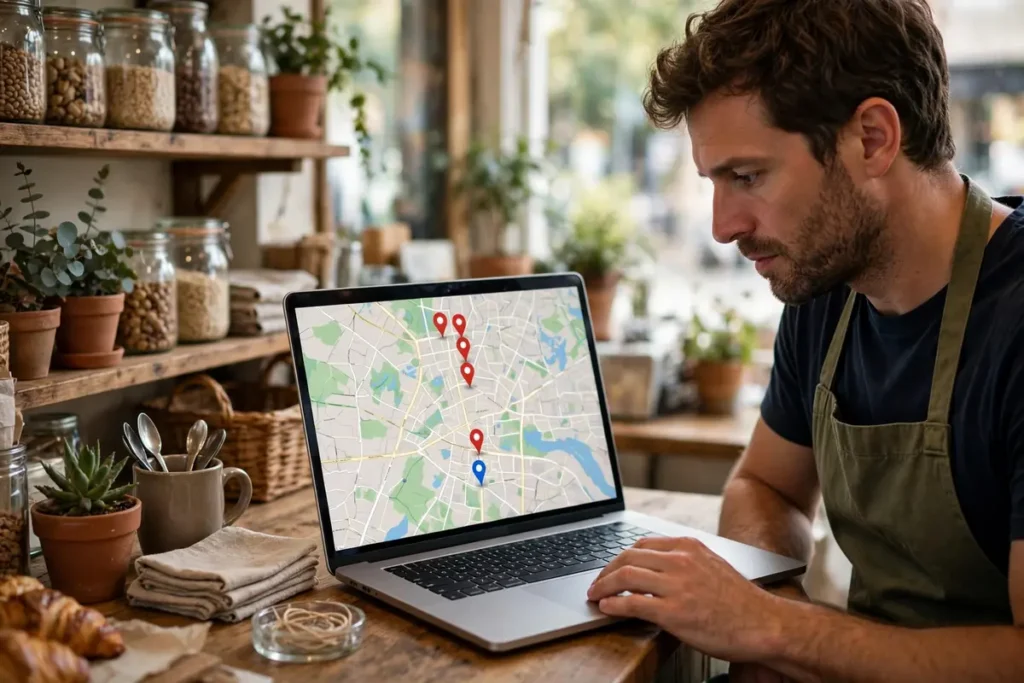
Your business shows up on Google, but it sits below the map while three rivals take the calls. That box at the top, the Local Pack, is where nearby customers look first, and it runs on rules you can work with.
This guide picks up where our guide to why your business is not showing up on Google left off. That guide fixed the profile so it shows at all, and this one shows how to rank higher on Google Maps, one lever at a time.
Google decides local ranking on three factors: relevance, distance, and prominence. You cannot move your shop closer to every searcher, but you can strengthen the other two, and that is the whole job of this guide.
Key Takeaway: Ranking on Google Maps is not one trick. It is a complete profile, the right category, steady reviews, and details that match everywhere, repeated week after week. Distance you cannot change; the rest you can.
First, find out where you stand today
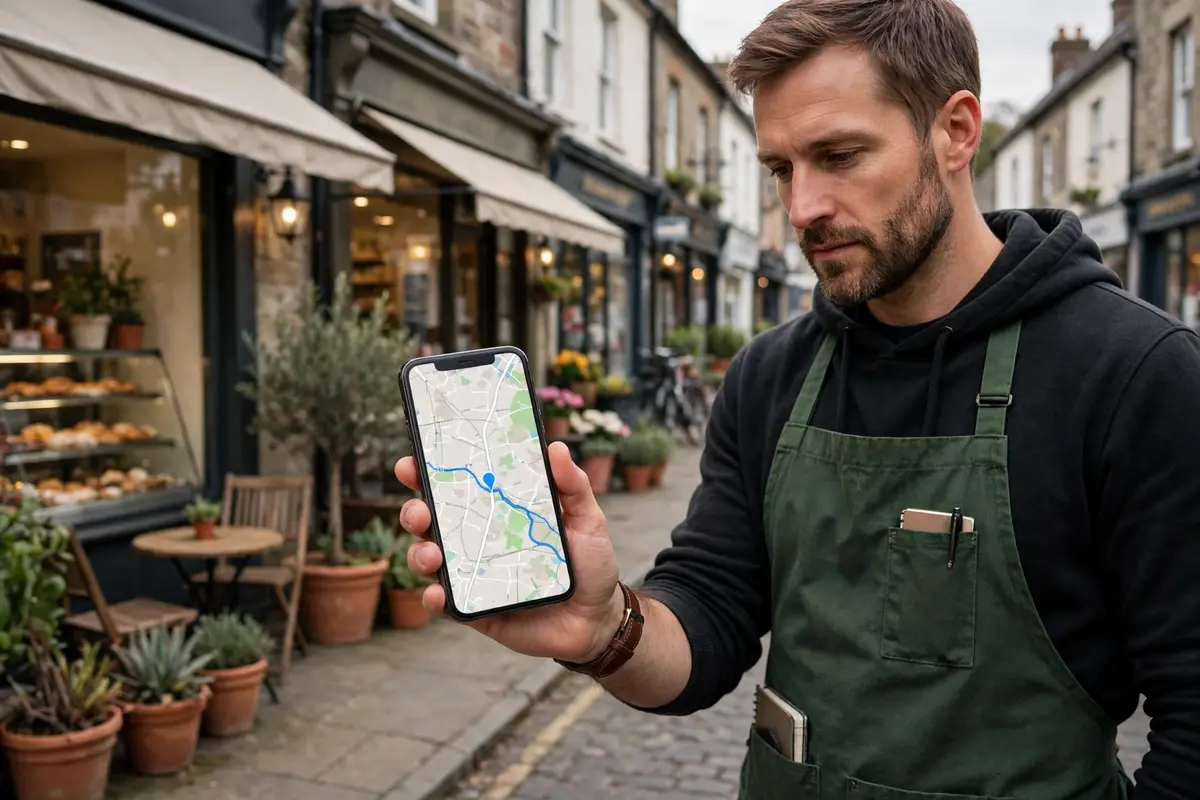
Before you change anything, write down where you rank today, because Maps has no single ranking. The order changes with every searcher, since distance is one of the three factors Google uses, and the list reshuffles with every location.
Search your main service and city in a private window, then again from two or three spots around your area. Note where you appear, or whether you appear at all, and write down the date.
Check your profile the same way a stranger would. Open it on Maps and look for gaps: missing hours, no photos, no services, an old address. Those gaps are your first jobs, and they cost nothing to fix.
Do not trust one search from your own desk. Your own history and your exact address tilt the results toward you, so the private window and the other spots give you the honest picture every time you check.
Lever one: make Google sure what you are

Relevance is how well your profile matches what a person typed, and it is the lever you control most. A search for emergency plumber will not surface a profile that only says home services or hides what it does.
Start with the primary category, because it tells Google what you are first. Pick the most specific one that honestly describes your main business, and add only secondary categories for work you truly do, leaving out everything else.
Then fill every field that applies: services with short plain descriptions, hours, holiday hours, attributes, and your service area. Google says businesses with complete and accurate info are more likely to show up in local results.
Write the description in plain words a customer would use, with your main service and the towns you serve. Do not stuff it with keywords, and never add keywords or a town name to the business name itself.
If no listing exists at all, add one through Google’s official add or claim your Business Profile page, then verify it. Our Google Business Profile setup guide walks through every step in Google’s own order.
Featured Insight: The category is the cheapest fix on the whole list. Ten careful minutes choosing the most specific category can matter more than a month of posting.
Lever two: earn trust, one review at a time

Prominence is how well known your business is, and Google counts reviews and links across the web. More reviews and positive ratings can help your local ranking, Google says, so reviews are the lever that keeps growing.
Ask at the moment the job goes well, not weeks later. A short message with your review link, sent the same day, gets answered while the customer still remembers the work and the details are fresh.
Send the same request to every customer, not only the happy ones, and never pay for reviews or write your own. Google warns against picking only the customers you expect to praise you, and fake reviews can cost you the profile.
Reply to every review, the kind ones and the hard ones, in a calm and helpful tone. Google says positive reviews and helpful replies can help a business stand out, and a thoughtful reply tells the next reader who you are.
Add real photos every week: the shopfront, the team, finished work, the inside of the shop. Google lists photos among the things that help a profile, and customers trust a business they can see with their own eyes.
Make your website and your details agree everywhere

Your website is how Google confirms what your profile says, so the two must match. Put your exact name, address, and phone number on your site in the same form as on your profile, on every page that lists them.
Give your main service its own page, with the service and the town in the title and the headings. A page that says what you do and where you do it helps Google match you to nearby searches.
Check the big directories too: Apple Maps, Bing Places, Yelp, and the directories for your trade. Use the same name, address, and phone everywhere, because mismatched details confuse Google and send customers the wrong way.
If you travel to customers, list the towns you serve on the profile and on your site. The service area you set is honest about where you work, but Google still ranks you around your real address, so do not claim towns you never visit.
The factor you cannot move, and what to do instead
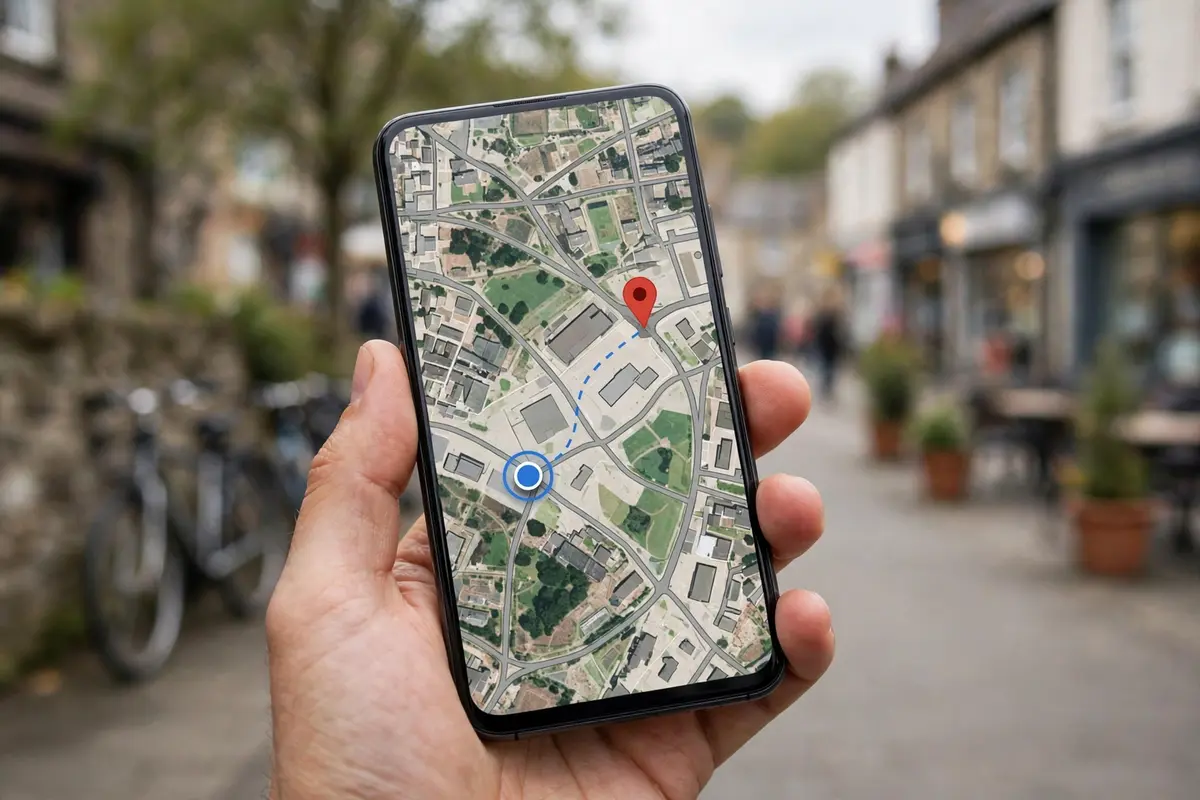
Distance is how far your business sits from the searcher, and you cannot change it. No budget moves your front door closer to every customer, and no setting on the profile changes where you are.
What you can do is widen the ground where you show up. A strong profile and steady reviews can put you ahead of a closer rival, because Google looks for the best match, not only the nearest one.
If you serve a wide area, build a page for each main town and each main service, so Google has something real to match. A service-area business that travels earns its ground one town at a time.
Check your ranking from different spots, not only from your shop. The same search from the next town can show a different order, and that tells you where the work is still to do this month.
What will not move you at all

Nobody can pay for a better local ranking, Google says plainly, so anyone selling a guaranteed spot on the map is selling something that does not exist. Spend that money on photos and reviews instead.
Keep keywords and city names out of your business name. The name must match your sign, your website, and your invoices, and a stuffed name can get the whole profile suspended, so use the name customers actually see.
Never buy reviews, and never ask only happy customers to leave one. Fake reviews break Google’s rules, and a profile caught faking loses the trust it was trying to buy. Ask for reviews the same way every time, and let the honest ones speak for themselves.
One profile is the rule, so do not open a second one or use a fake address to cover more ground. Google allows only one profile per business, and a virtual office address does not qualify at all.
You cannot buy your way to the top of the map, and you cannot move your shop. Everything else is work you can do this week.
A simple routine that keeps the ranking

Ranking is not a one-time job, because rivals change, reviews age, and hours shift with the seasons. A short weekly routine keeps the profile fresh without eating your day. It takes less time than one coffee break, and it is the habit that holds the ranking.
Once a week, answer every new review, add two or three real photos, and check that the hours are right for the week ahead. Post one update about a recent job, an offer, or a seasonal reminder, so the profile never looks abandoned.
Every month, search your main service from two spots and note your place, then fix the widest gap you see. If a rival above you has twice your reviews, reviews are the gap; if your category is broad, the category is the gap.
Each quarter, check the directories and your website for mismatched details, and fix what you find the same day. One wrong phone number or one old address, copied across the web, quietly works against you.
That routine is the whole system. It is small, it repeats, and it is how a small business outranks a bigger one that set up its profile once and forgot it, while the bigger one rests on old work.
How long it honestly takes
A new business needs patience most of all. Google says rankings for a new business can take up to a month to appear in search results, so a profile verified last week may simply be on time.
Small fixes show faster than big ones. Changes to your business info can take up to three days to appear, so wait three days before you decide a fix did not work, and check again from the same spot.
Reviews and links build over months, not days, and that is normal. A steady stream of honest reviews beats a burst of ten in one week followed by silence, because Google watches for a pattern it can trust.
Do not chase every wobble. Rankings shift when rivals change, when searchers move, and when Google updates its system, so a dip is not always your fault and a rise is not always your doing.
Questions owners ask about ranking on Maps

How long does it take to rank higher on Google Maps?
It depends on where you start. A new business can take up to a month just to appear in results, Google says, and real movement usually takes weeks to months of steady work. Fix the profile first, then build reviews, and judge progress by your spot from the same searches each month.
Can I pay to rank higher on Google Maps?
No. Google says there is no way to request or pay for a better local ranking, and anyone selling a guaranteed map spot is selling something that does not exist. What works is a complete profile, honest reviews, and details that match everywhere.
What matters most for Google Maps ranking?
Start with the primary category, because it tells Google what you are first. After that, a complete profile and steady reviews matter most, while distance is the one factor you cannot change. Check the category first, then fill every field, then build the review habit week after week.
Do I need a storefront to rank on Google Maps?
No, provided your work involves meeting customers in person. If you travel to customers, hide your address and list your service areas instead. Google ranks you around your real address, so build pages for the towns you serve. A home address you hide still anchors the ranking, so list only towns you truly serve.
How do I check my Google Maps ranking?
Search your main service and city in a private window from two or three spots around your area, and note where you appear. Your own history tilts results toward you, so the private window and the other spots give the honest picture.
Why did my ranking drop on Google Maps?
Usually because a rival improved, a review aged, or a detail changed. Check for a suspension notice first, then look at recent edits and your review flow. A single dip is not always your fault, so fix what you can and measure again next month.
Start with the profile, then keep showing up

The whole job fits in one order: find where you stand, fix the profile, earn reviews week after week, and make your website agree. Each step depends on the one before it, so reviews will not save a profile with the wrong category.
Being found on Google is the first job of marketing, and our complete guide to small business marketing on a small budget shows where Maps ranking fits among the free channels. Start today, and let the routine do the rest.
If your business was missing entirely before this series, our guide to why your business is not showing up on Google runs the two-minute test that finds the cause. Showing up comes first; ranking higher comes next, and now you know both.
Sophia Bennett writes about business, marketing and finance for USA, UK, Canada and Australia. Contact: contact@businessturnpoint.com